Your brand, your standards, automated.
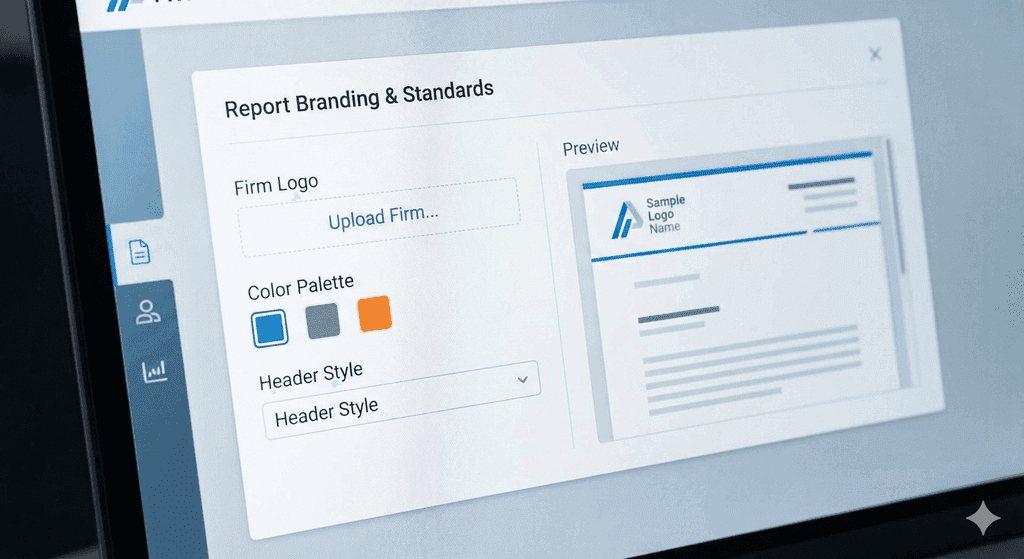
Personalize your output. Don't settle for generic PDFs. Upload your firm’s logo, customize header layouts, and define standard disclaimer text so every report looks like it was painstakingly drafted by hand.
Fieldnote AI is designed for structural engineers, transforming site walks into finished reports. Our app lets you capture field notes effortlessly using voice-to-text and make instant photo callouts. The entire platform works offline, ensuring you are productive anywhere.
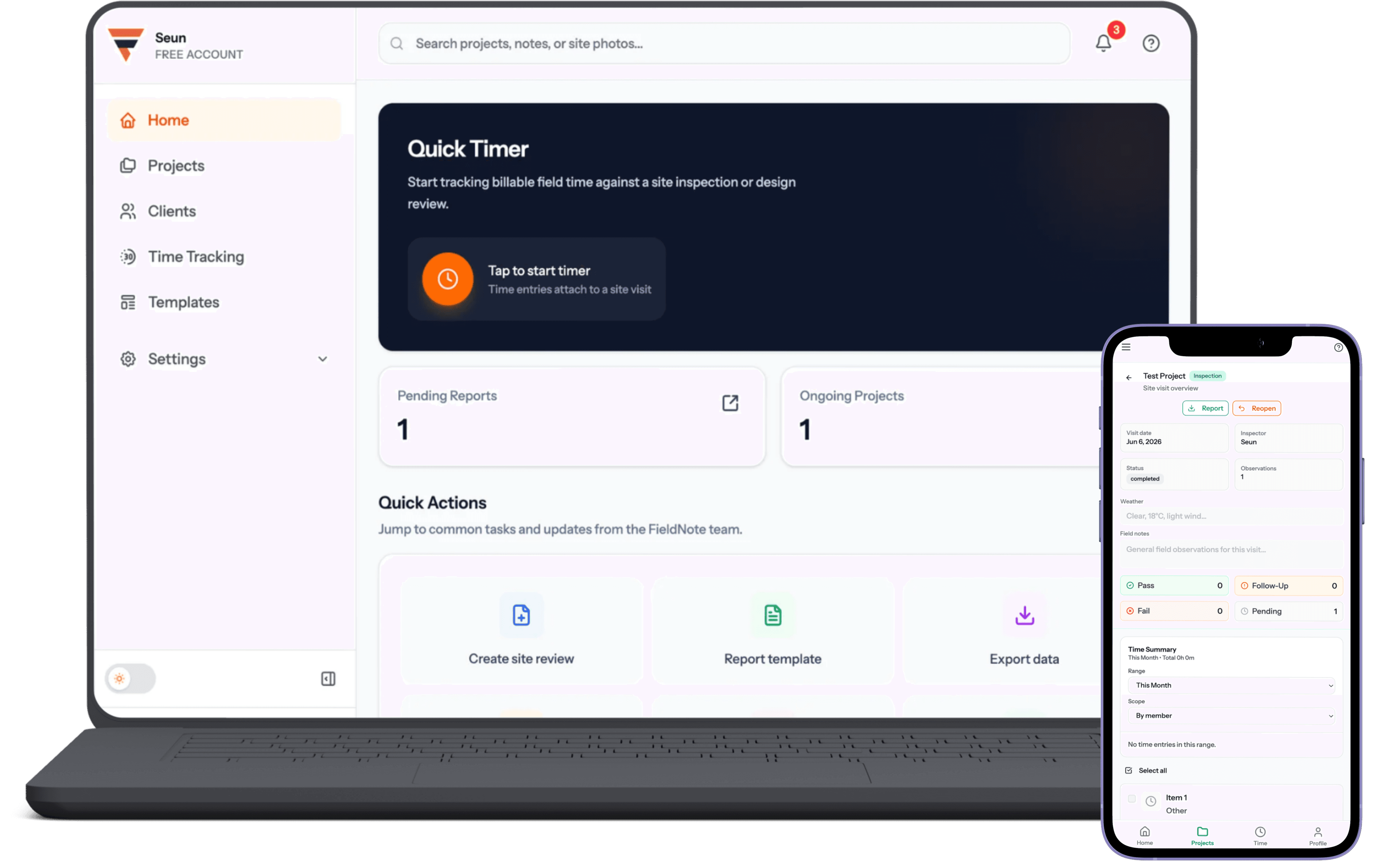
Seamless across devices
Report pipeline & scheduling
Eliminate the “where is that report?” email chain. Track the live status of every site visit, from the moment your field reviewer steps on site, to the draft generation, to the final P.Eng review and delivery.
Visit Scheduling, Live Status Tracking, Draft Approval, Report Archive
Try Now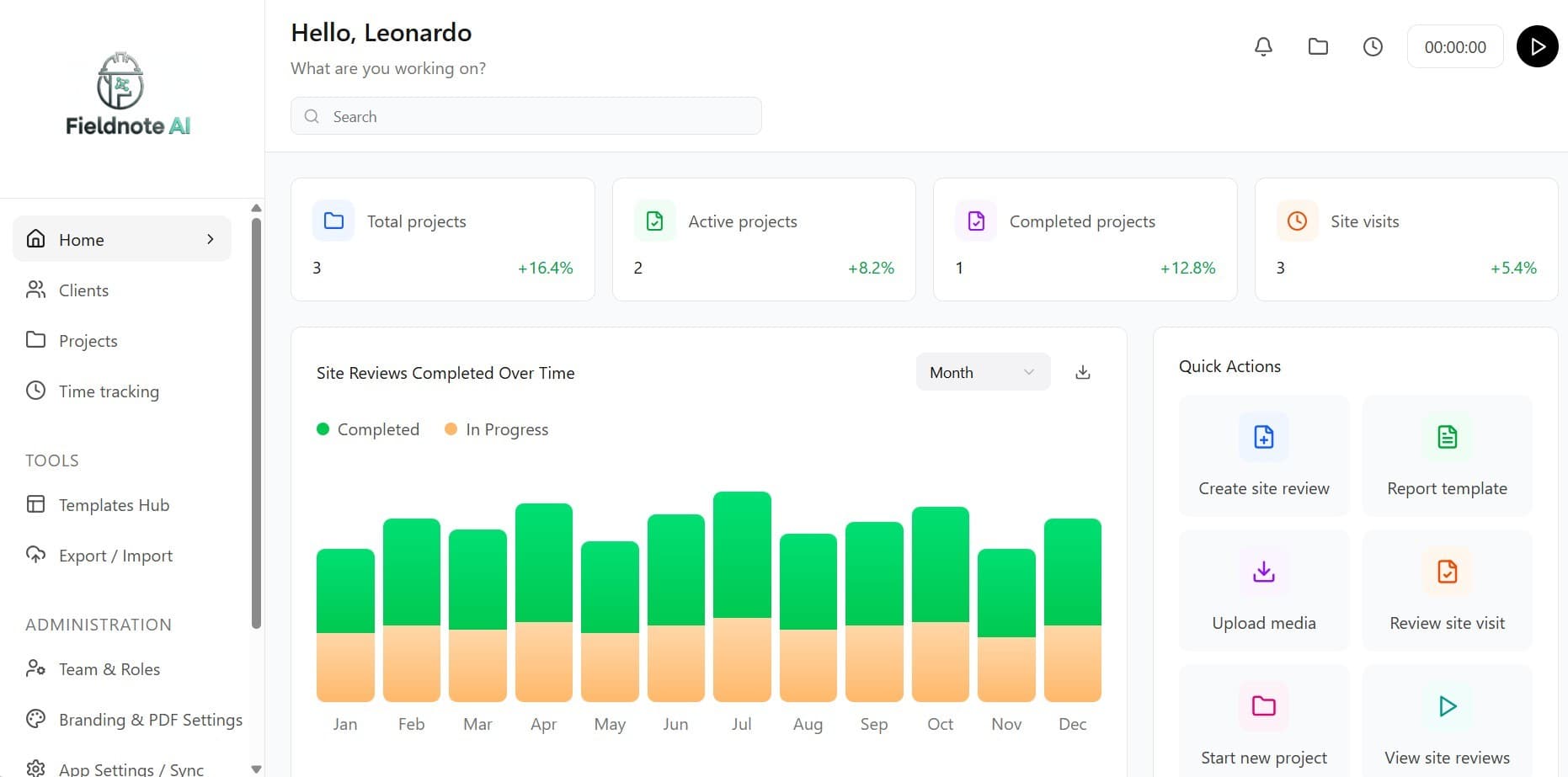
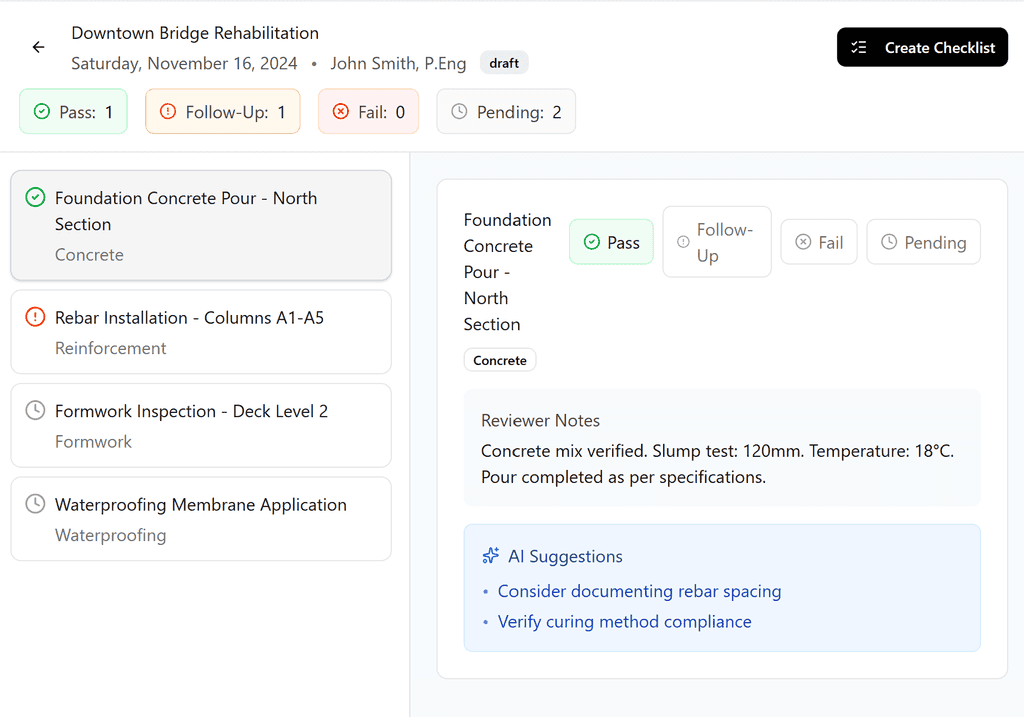
Contextual site inspections
Stop Sorting through a mixed camera roll back at the office. Create custom inspection checklists and attach photos, voice notes, and deficiency ratings directly to specific structural elements. Your report builds itself as you walk the site.
Smart Checklists, Voice-to-Text, Media Tagging, AI Recommendations
Try NowFeatures
Personalize your output. Don't settle for generic PDFs. Upload your firm’s logo, customize header layouts, and define standard disclaimer text so every report looks like it was painstakingly drafted by hand.
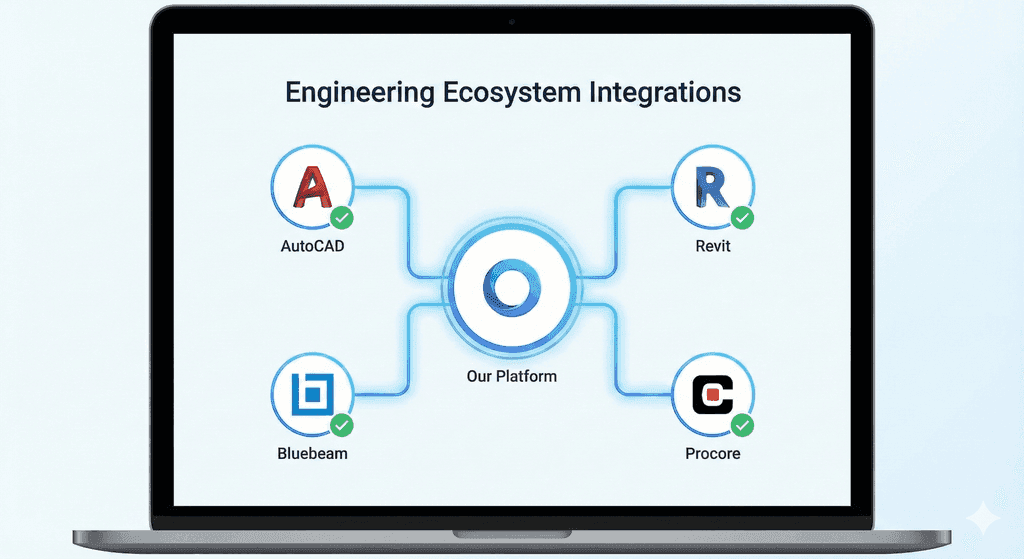
Seamless integrations. Plug FieldNote AI into the tools you rely on. Push final reports to Procore, sync drafts with Bluebeam, or export raw data to Excel for deep analysis.
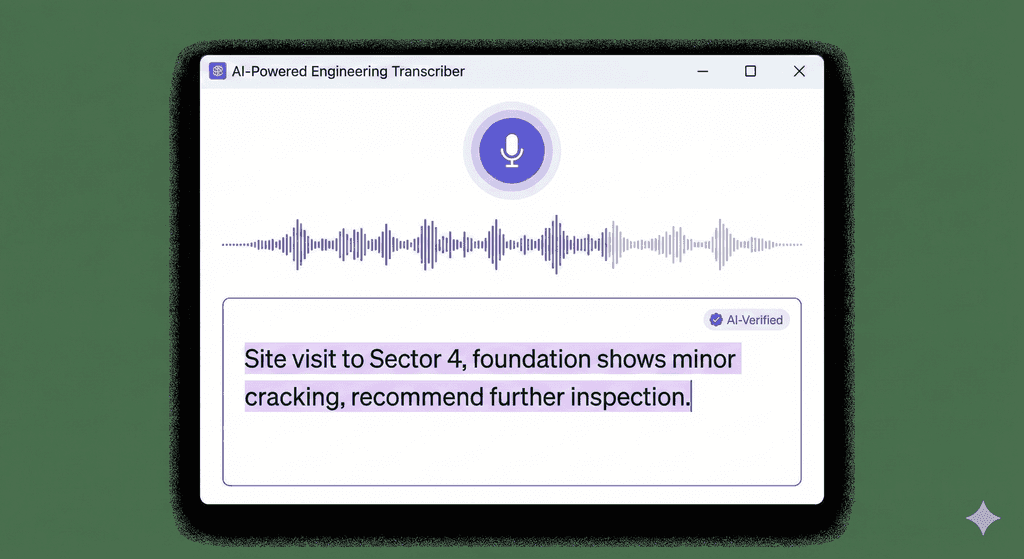
Speak and let AI clean it up. Speak naturally, and let the AI clean it up. We convert messy voice dictations into grammatically correct, technical engineering observations instantly.
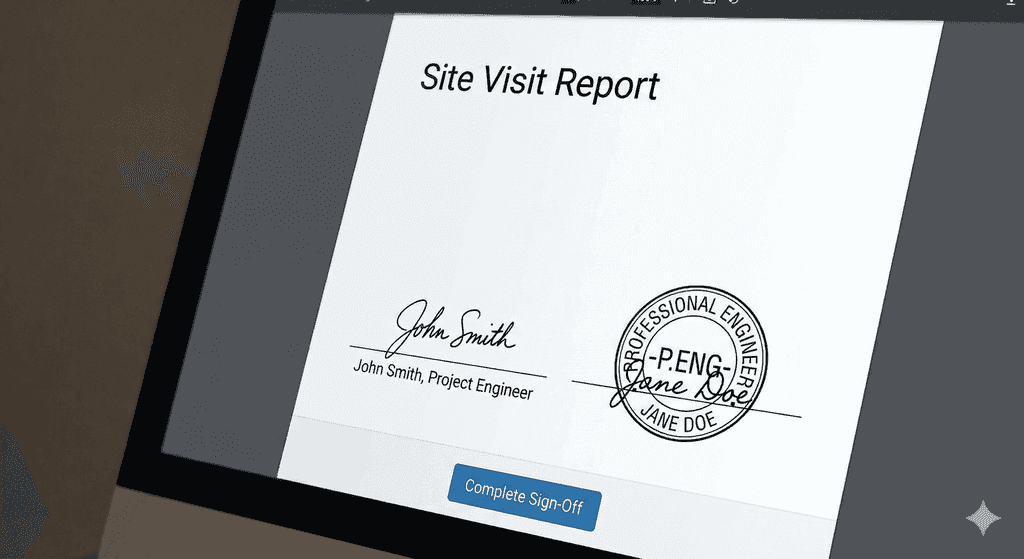
Bridge the gap between Field and Office. Junior engineers capture data on-site; Senior Engineers review, comment, and apply their P.Eng stamp digitally from the desktop.
Blog
GET STARTED
Capture field notes with voice-to-text, make instant photo callouts, and work offline — then finish the report before you leave the site.
Try Now